Turn any screen into the sign your home actually uses.
Your calendar, the weather, family photos and tonight's game — or live theme park wait times before your trip. Set it up once from your phone; the screen keeps itself up to date.
Free for 14 days, everything included. No card needed.
We are opening accounts in small batches — ask and we’ll set you up.
Two products, one account
Use one, the other, or both on the same screen. They share your account, your screens and a single sign-in.
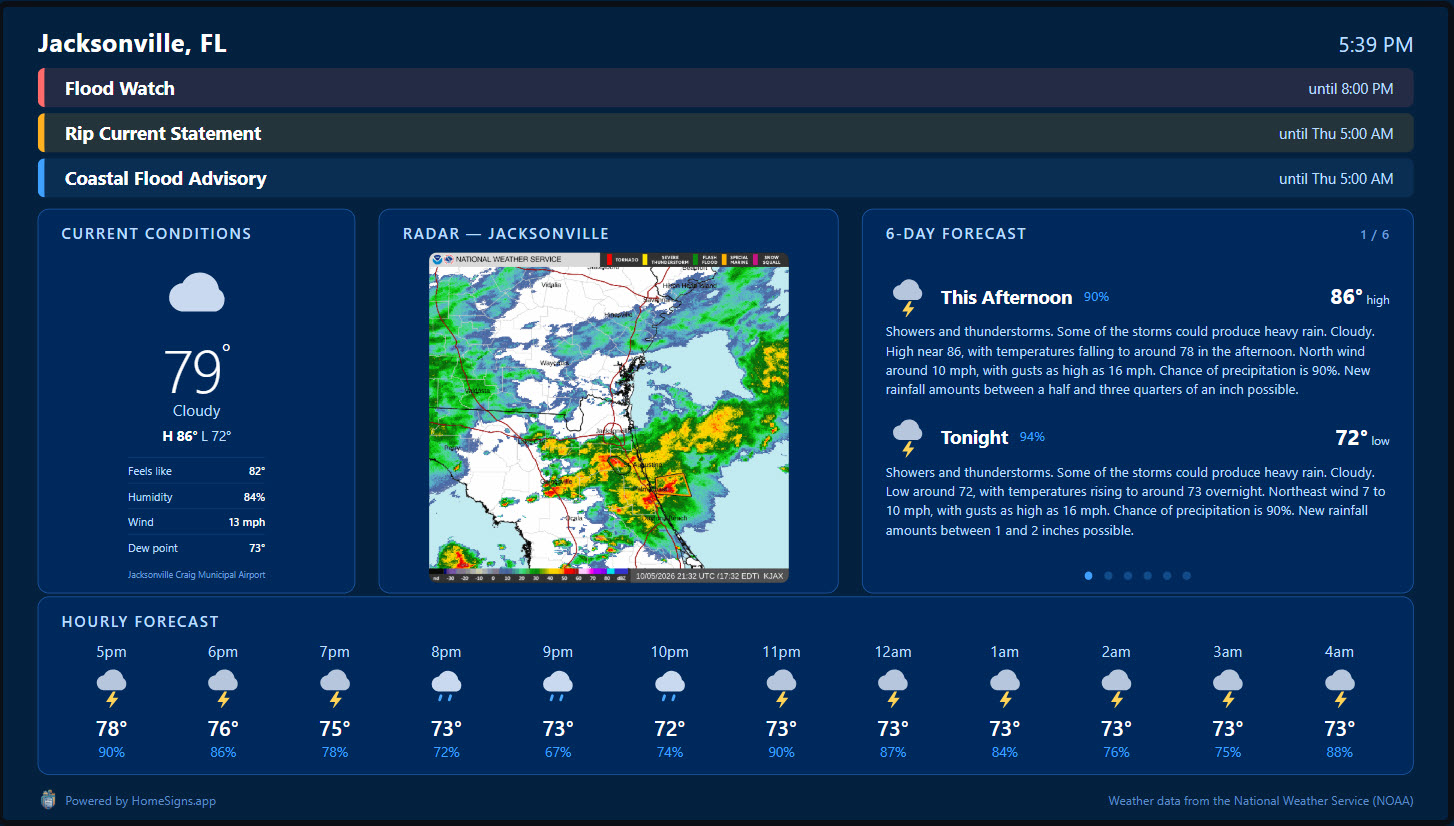
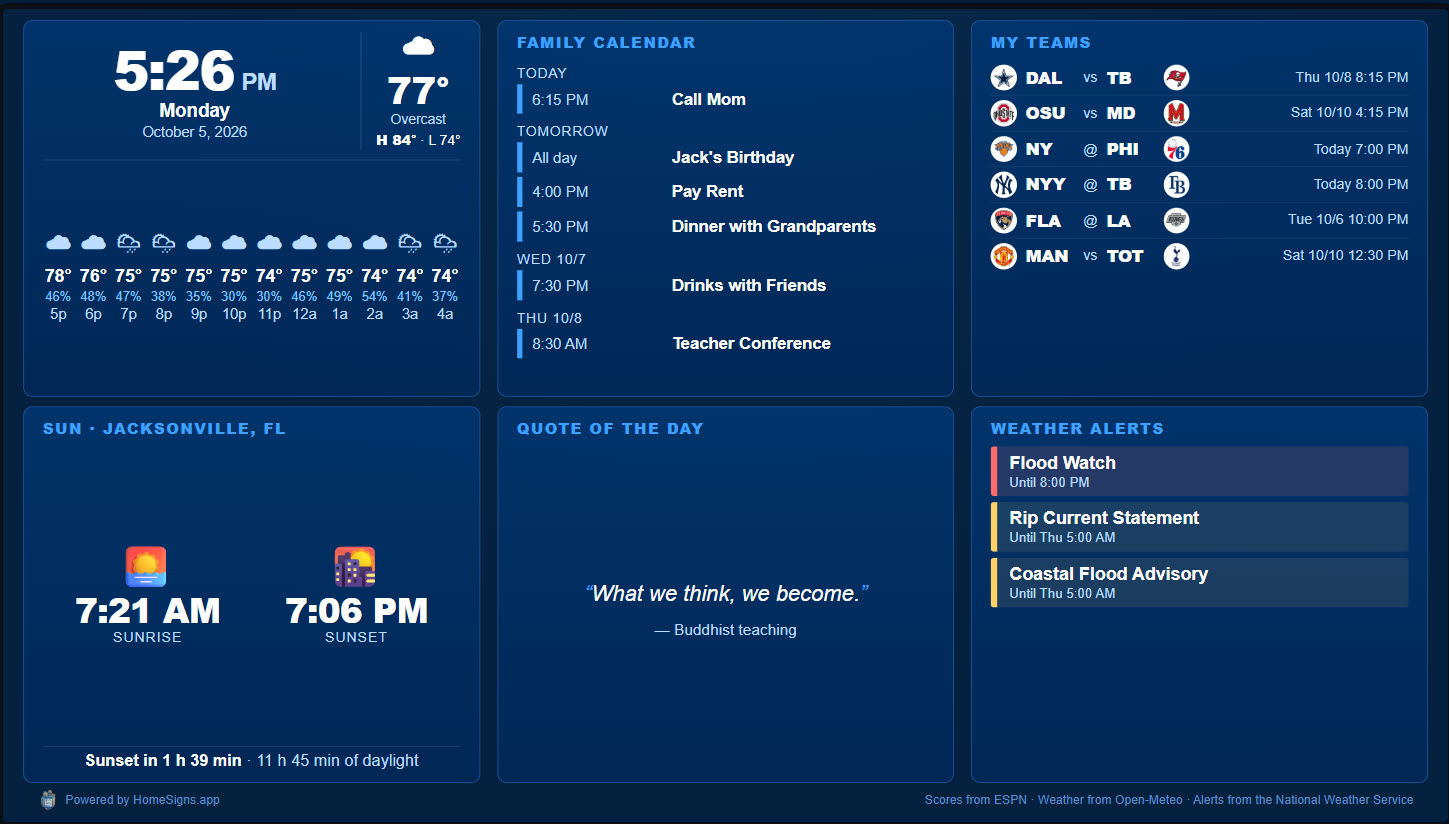
Your own pages, on rotation
Calendar, weather and storm tracking, sports scores and your team’s schedule, a photo frame of your own pictures, countdowns, family notices, the morning brief — plus anything with a web address, like your Home Assistant dashboard.
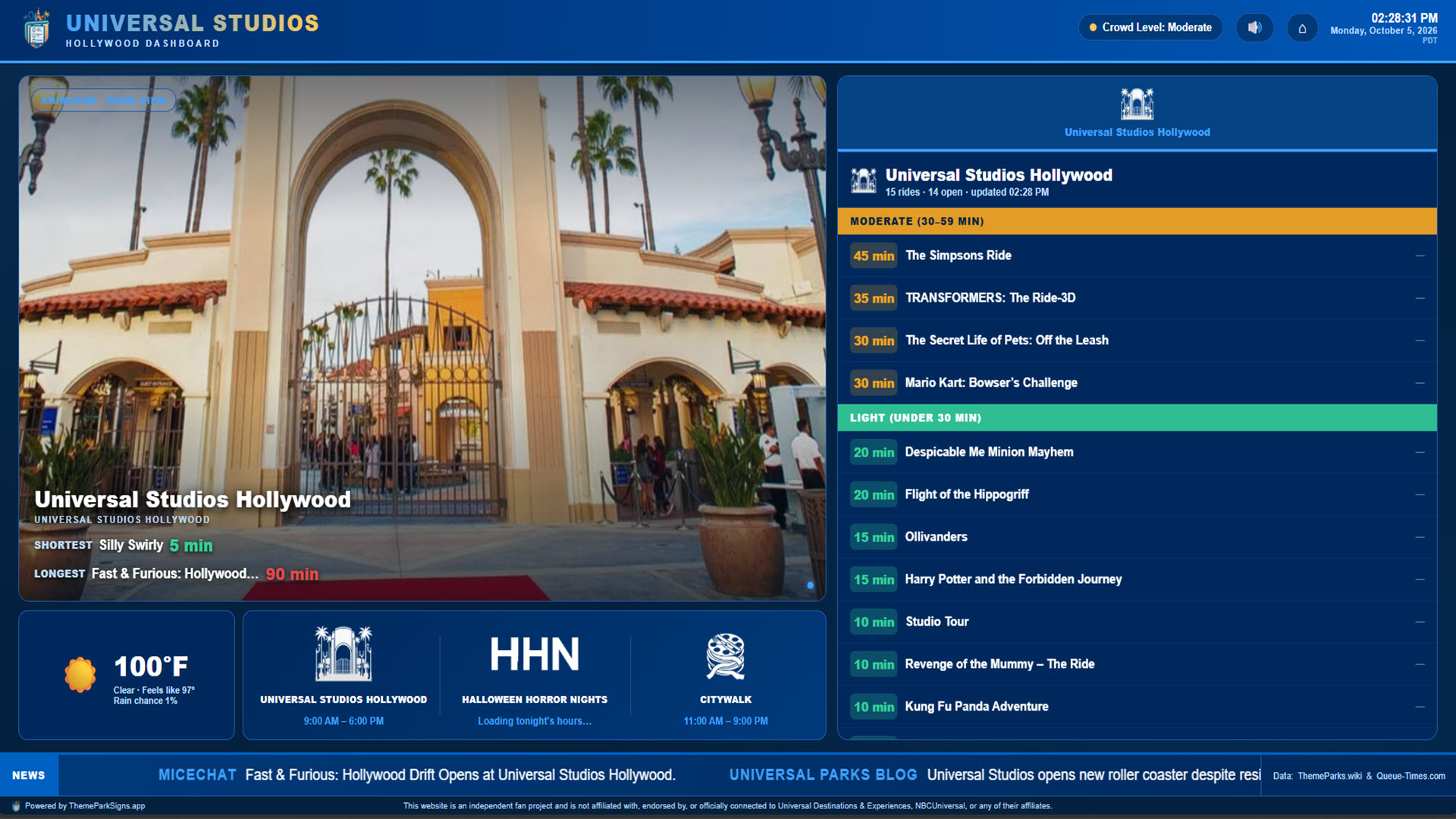
The parks, live, before you go
Wait times, park hours and show times for Universal Orlando, Universal Studios Hollywood, SeaWorld Orlando and Busch Gardens Tampa Bay — with the weather, a trip countdown and a version for your phone.
Up and running in minutes
No cables to run, nothing to program. Everything is set from your phone.
Create your account
Sign in with your email — a code, no password. Your free trial includes every product.
Open a screen
A browser, the Google TV app or a Raspberry Pi shows a short pairing code. Type it into your account and the screen is yours.
Pick what it shows
Build a playlist per screen, choose how long each page stays up and when. Change it any time; the screen follows within minutes.
Works on the screens you already have
Start with a browser today and move to a dedicated device whenever you like — your playlists come with you.
Try everything, free
14 days of HomeSigns and every ThemeParkSigns resort. Keep what you like when it ends.
Accounts are opening in small batches. Tell us about your screen and we’ll get you started.